Get started with Hawkeye
Create your educator account, confirm your email address and sign in for the first time.
Hawkeye records students while they take an online exam. You create the exam, invite the students and review each attempt. First, you need an educator account.
Create your account
Open the sign-up form
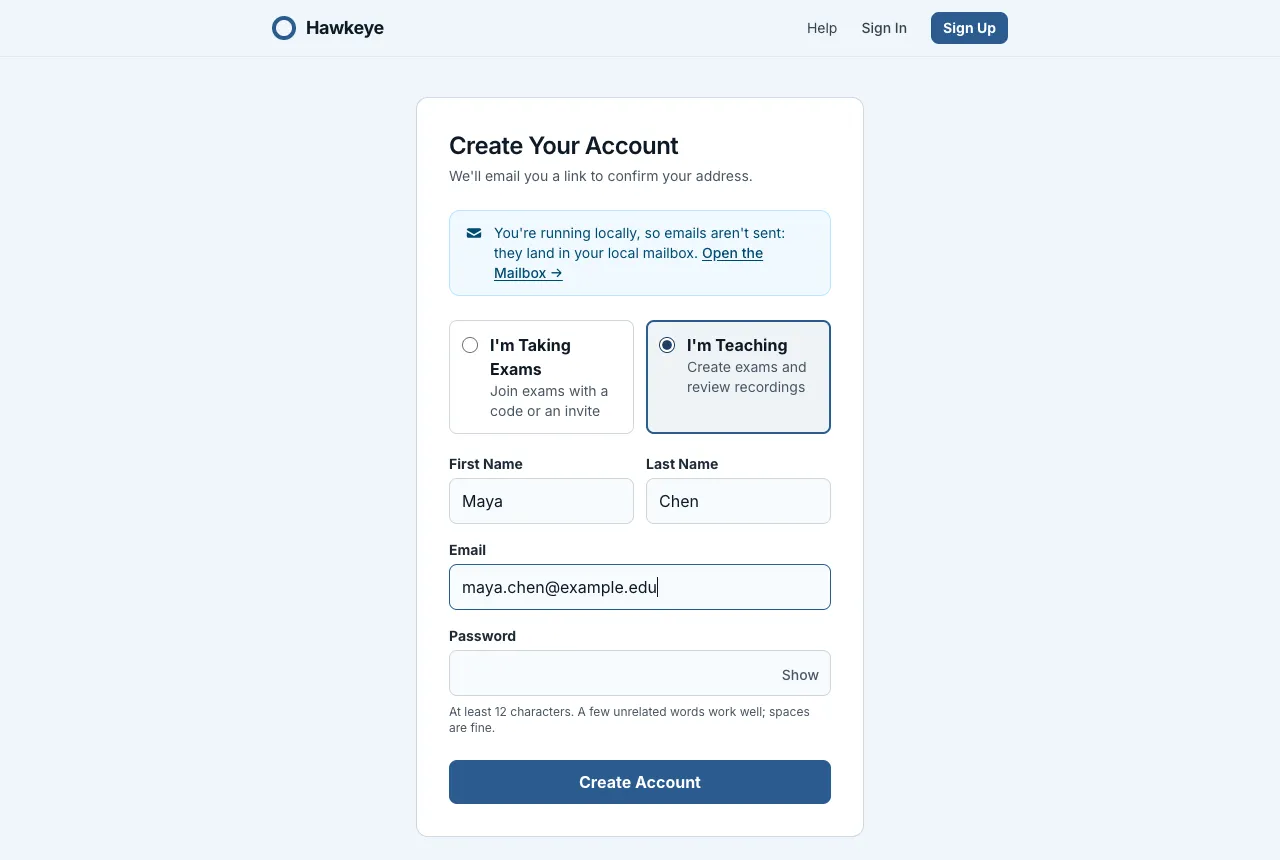
Go to Hawkeye and select Sign Up. The Create Your Account form opens.
Choose I'm Teaching
At the top of the form, select I’m Teaching. I’m Taking Exams is selected until you change it.
Enter your details
Type your first name, last name, email address and a password. Both names are required. Then select Create Account.
Confirm your email address
Hawkeye sends you an email with a confirmation link. Open the link and select Confirm and Sign In.
If you open the confirmation link in a different browser, Hawkeye asks for your password first. This step makes sure that the account is yours.
Your exams list
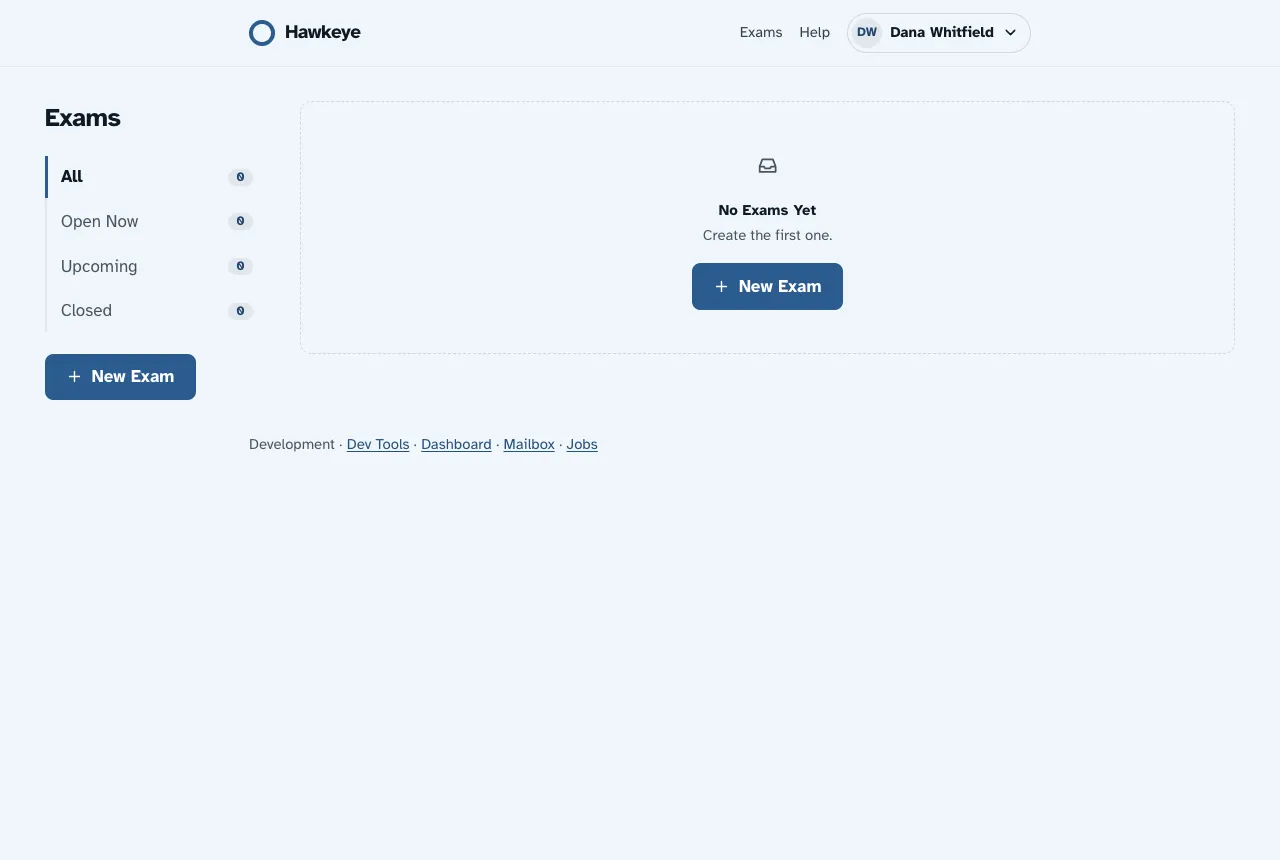
After you sign in, Hawkeye shows your Exams list. At first, the list is empty. Select New Exam to create your first exam.
The rail on the left filters the list: All, Open Now, Upcoming and Closed. Each filter shows how many exams it has. The table shows the status of each exam, its number of sessions and how many sessions wait for your review in To Review.
Sign in again later
- Go to Hawkeye and select Sign In.
- Type your email address and password.
- If you forget your password, select Forgot Password? on the sign-in page.
Change your name
To correct your name:
- Select your name at the top of the page. Then select Account.
- Next to your name, select Change.
- Type the correct first name and last name.
- Select Save.